What Athena brings
- Instructor
- Curriculum and lesson plans
- Core materials and equipment
- Onboarding and ongoing program support
Coding & Technology
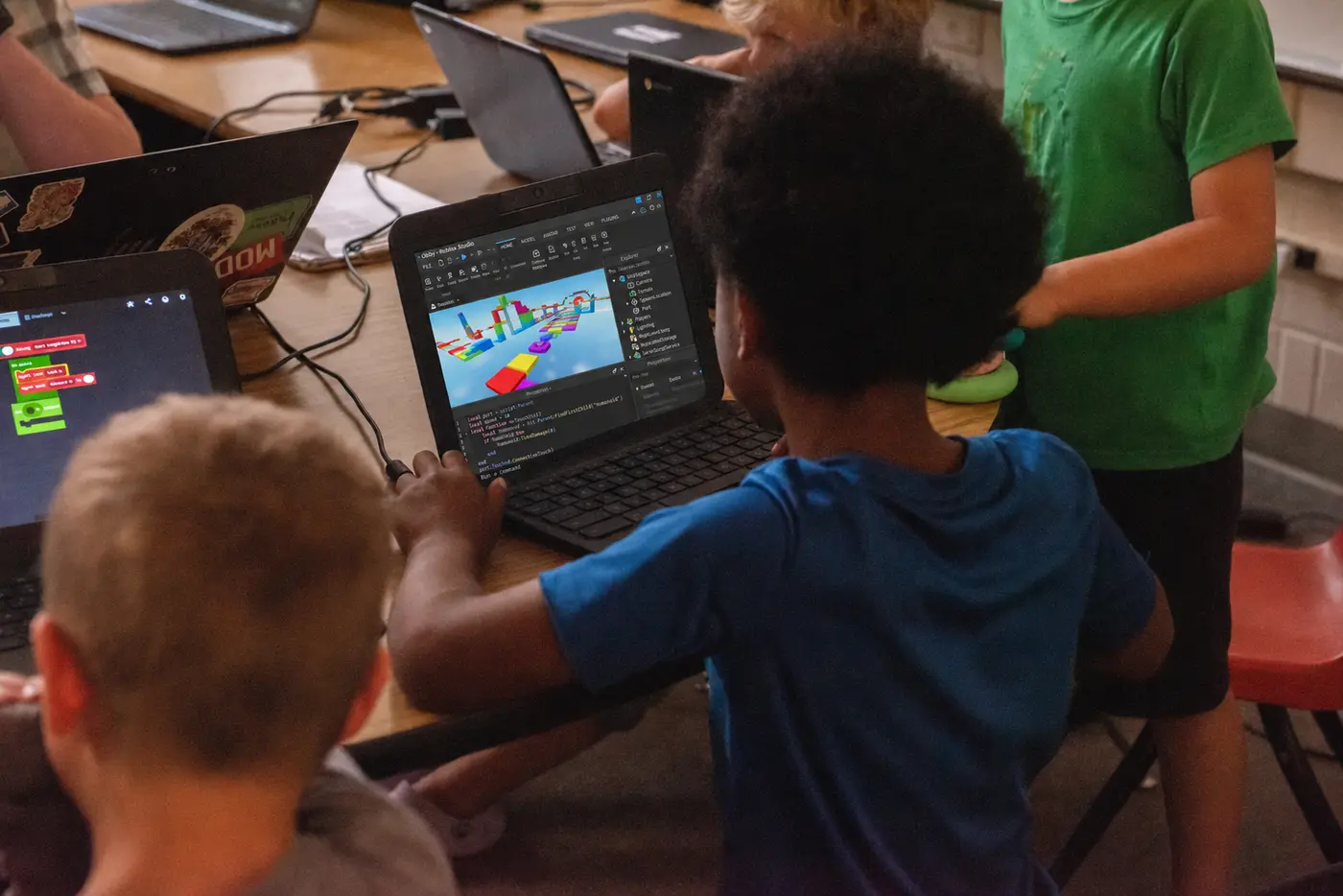
Create games and animations while learning core coding concepts through projects.
Grades K–9The project mix and pace are tailored to the age group, experience level, and time available.
Course description
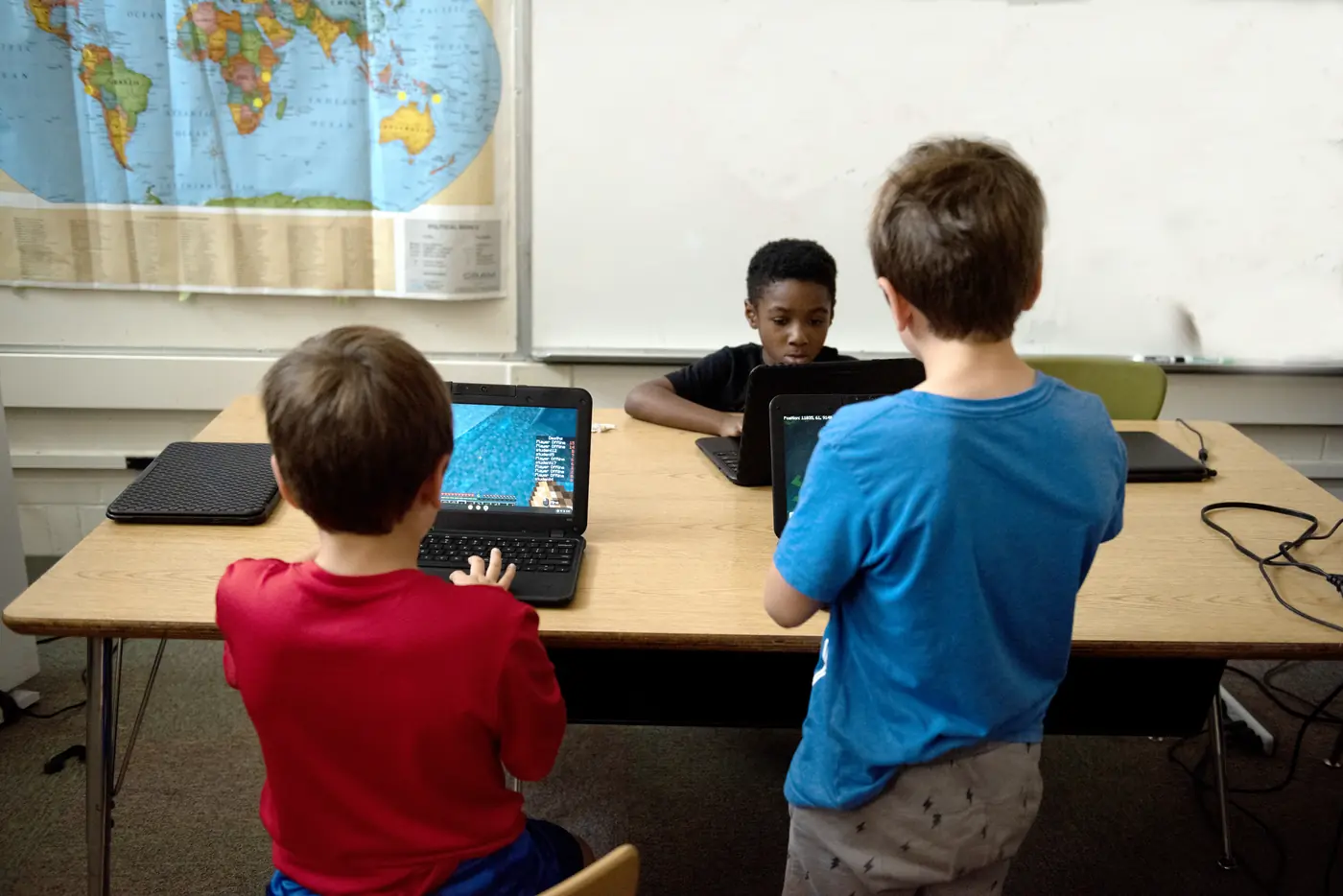
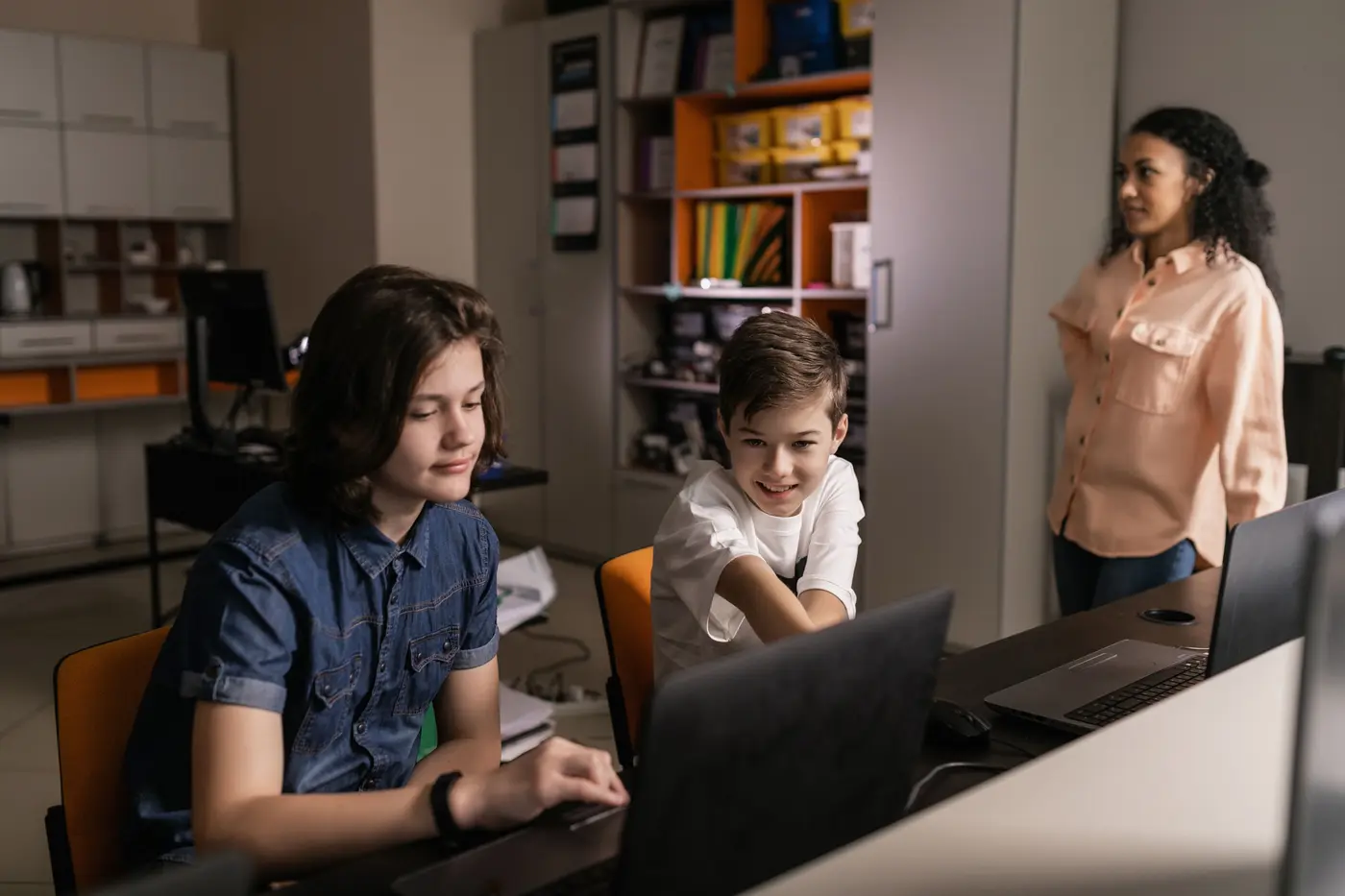
Students learn coding by making things they can play and share. Projects introduce sequencing, events, loops, conditions, variables, and debugging through Scratch, with introductory Python or JavaScript activities available for students ready to extend the work. The emphasis is on building, testing, and improving a complete project.
Sample program path
This example shows one possible progression. The order and depth change with the group and contract.
How we adapt it
Younger students begin with guided Scratch animation and block coding; older students can add Python or JavaScript extensions. Beginners build from modeled projects, while experienced students add original mechanics and more independent debugging. Short formats complete one focused game; longer programs support collaborative work and a more substantial original project.
Program logistics
Device, platform-account, storage, and other site responsibilities are confirmed during planning when they apply.
For families
Enrollment is usually handled by the organization hosting the class. Use the registration link in the listing you received. If you cannot find it, contact Athena with the program name and location. We will help identify available opportunities.
Ask about local opportunitiesKeep browsing
Planning a program?
Tell us about your schedule, grade levels, and goals. We’ll help you find a practical starting point.